Supercharge your Marketo smart campaigns with FlowSteps.io + Claude AI
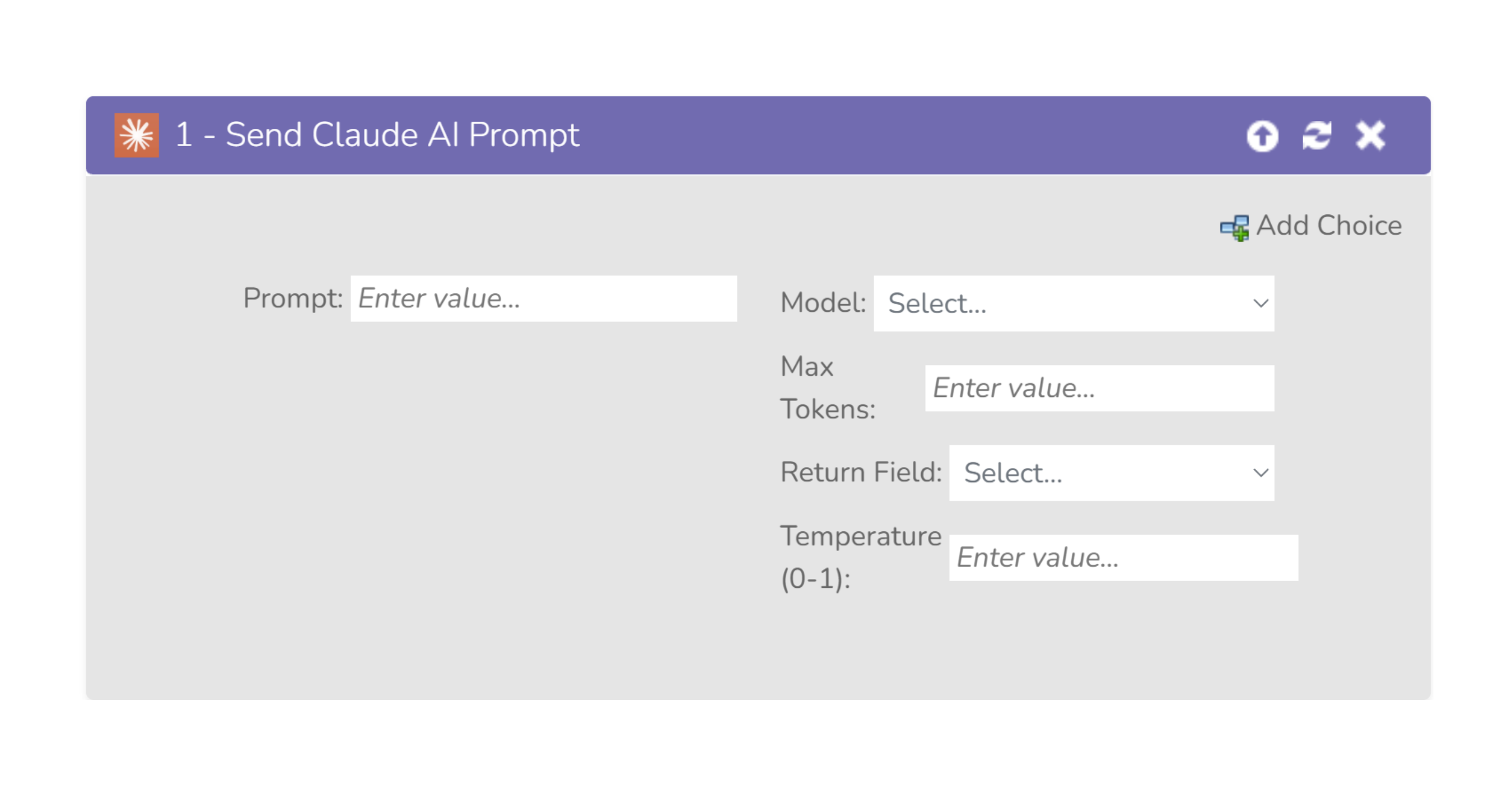
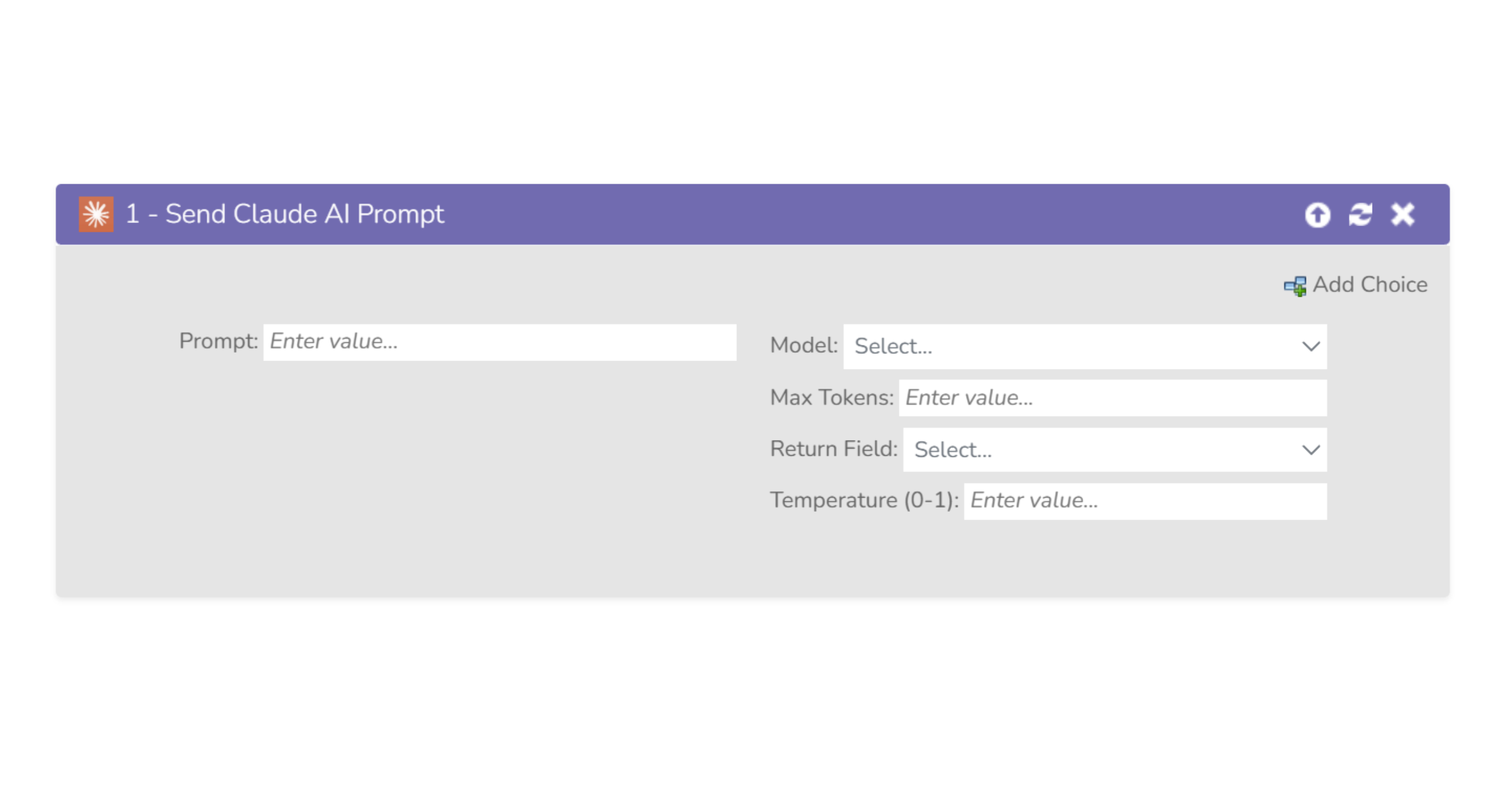
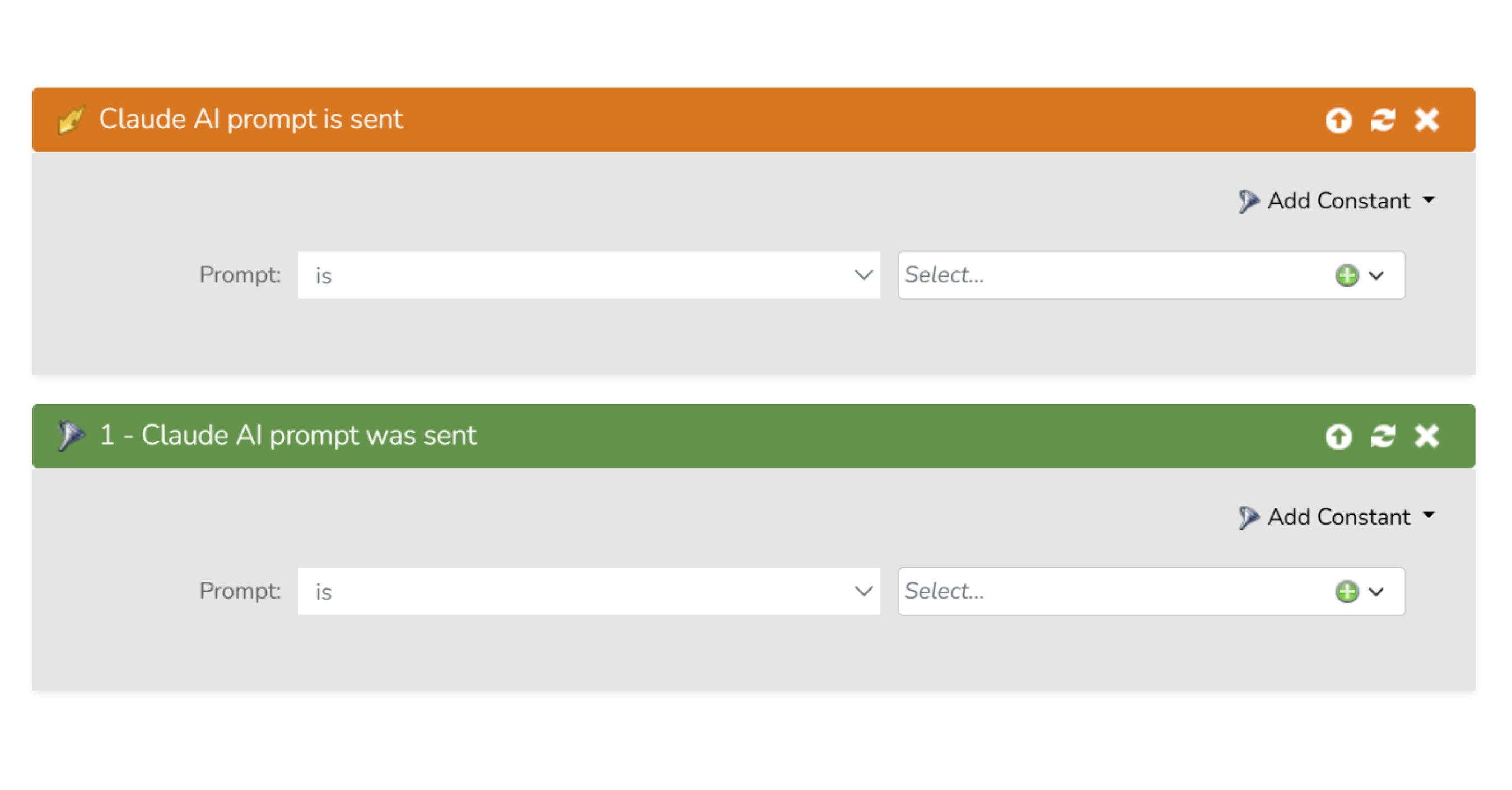
Flowsteps.io ClaudeAI flow action for Adobe Marketo Engage is a game-changer for businesses seeking to personalize their customer interactions and streamline lead generation. With this flow action, you can send custom prompts to ClaudeAI’s Chat Completion endpoint through your Marketo smart campaign and automatically receive and store responses in a Marketo person record field. This powerful feature can be used to automate intelligent segmentation, hyper-personalize messaging, and anything else you can dream up, allowing you to refine your marketing strategy and improve the effectiveness of your campaigns. With ClaudeAI’s powerful AI algorithms, you can be confident that your customers are receiving the highest quality responses, tailored to their needs. Once installed, simply drag our ClaudeAI flow action into your Marketo smart campaign Flow and configure your prompts to ask specific questions or provide personalized messages. The responses will be sent back to your Marketo instance, where they are automatically stored in a person record field in the field of your choice. From there, the possibilities are endless. Installing a custom flow step requires Admin permissions in Marketo. Apart from the Installation URL, all other aspects of a serviced may be edited after completing initial onboarding by drilling down into the service detail screen from the Service Providers grid. In Marketo navigate to Admin → Service Providers and click Add New Service From here, follow the bellow steps to install and configure the flow step. Inbound Fields The Send Claude AI Prompt flow step uses user driven mapping for inbound fields. This means there are no preset inbound fields but you can set select which person fields the flow step is allowed to write to. Outbound Fields The Send Claude AI Prompt flow step does not use outbound fields. Global Configuration Fields Global user inputs that are passed along with every call to the Send Claude AI Prompt flow step service. Global attributes can be set during installation or updated from the Service Provider admin menu. Flow Step Fields These fields are set for each individual instance of the Send Claude AI Prompt flow step and are sent per-lead when it is called. Context Data Once the Claude AI flow step is installed it becomes available in smart campaigns. Book a free 30-minute session with one of our specialists and get personalized guidance tailored to your setup and goals. Whether you’re just getting started or looking to optimize your current workflows, we’ll help you unlock the full potential of your Service Flow Steps account. With no obligation, just practical advice you can use right away!Claude AI: the missing piece in your Marketo strategy
Admin permissions required for custom Flow Step installation

Name
API Name
Type
Description
Claude API Token
claudeai_token
string
Claude API Token
Name
API Name
Type
Description
Prompt
prompt
text
Prompt to send to Claude AI
Model
model
string
Select which Claude AI model to use
Max Tokens
max_tokens
string
Select number of tokens to use (default: 1024)
Return Field
returnField
string
API name of the field used to store the AI response
Temperature (0-1)
temperature
float
Controls creativity level from 0.0 to 1.0
Name
Description
Program Context
Data about the program where the flow step was triggered, including program name, ID, type, workspace, and additional program details.
Campaign Context
Data about the smart campaign where the flow step was triggered, including campaign name, ID, type, status, and related campaign information.
Trigger Context
Context related to the trigger that initiated the smart campaign where the flow step was called. No trigger data is sent when used in batch campaigns.
Subscription Context
General subscription data, including the Marketo Munchkin ID and subscription name.
Power up your campaigns with AI today
Flow Step
Schedule a FREE DEMO today!
Want to better understand how to implement, configure, and get the most out of Self Service Flow Steps in Marketo?

SIGN UP FOR OUR NEWSLETTER

Mario Baroja
Partner & Senior Marketing Consultant at Kapturall
Over 20 years in Sales, Marketing and Consulting roles. Experience in internationalization, and worked for International companies before cofounding Kapturall. In 2013 he became the first Marketo Certified Expert among Spanish speaking countries. Is married and has 3 children, so surely he knows his stuff about large accounts. He lives in one.
Related Content